OpenAI just rolled out ChatGPT Slides. Here is what it does, who can use it, and how to make sure it gives you back Time, Money, or Energy instead of a prettier version of a weak pitch.
By Warren Schuitema, AI Systems Consultant, Matchless Marketing / Matchless AI
Published: October 22, 2026 | Last Updated: October 2026

Picture the night before a big pitch.
The kids are finally asleep. The laptop is open on the kitchen table. You know what you want to say to this client. You have known it for a week. But it is 10:40 PM and you are still nudging a text box two pixels to the left.
Most small business owners I know have lived some version of that night. The thinking was done hours ago. The slides ate the rest of the evening.
So, can ChatGPT make your PowerPoint presentations now? Yes, if you are on the right plan. On October 16, 2026, OpenAI started rolling out ChatGPT Slides. It builds an editable deck from a chat, your files, an outline, or an example deck. You can edit it by hand or ask ChatGPT to make changes. Then you can present it right from ChatGPT or export it to PowerPoint, PDF, or Google Slides.
Here is my honest answer to the bigger question, though. ChatGPT Slides can take the 10:40 PM formatting fight off your plate. It cannot decide what your client needs to hear. If you walk in with a clear story, this tool will save you real hours. If you walk in without one, it will hand you a polished deck that still says nothing.
Build the story first. Let AI build the slides last. Then check every number before anyone else sees it.
Key Takeaways
- ChatGPT Slides began rolling out on October 16, 2026, for Pro, Business, and Enterprise plans that have access to ChatGPT's Space feature.
- You can start from a conversation, uploaded files, an outline, or an example deck, then export to PowerPoint, PDF, or Google Slides.
- A 2020 Nielsen study found office workers spent about 7 hours a week in PowerPoint, and 37 percent of that time went to formatting. That formatting time is what this tool goes after.
- OpenAI's own guidance says to check content and formatting after export, and charts pulled from your files need a human review before they go out.
- The tool speeds up the box. You still have to build what goes in the box.
Why Does a 15-Minute Idea Turn Into a 3-Hour Deck?
If you run a small business, you are the sales team, the marketing team, and the design team. Sometimes all before lunch.
Presentations sit right in the middle of that pile. A client pitch. A workshop. A proposal walkthrough. Each one is tied to money coming in.
And each one follows the same pattern. The idea takes 15 minutes. The deck takes three hours.
I spent 16 years in manufacturing and supply chain. On a production line, you learn fast where the time really goes. Setup eats it. Changeovers eat it. Rework and waiting eat it. The main operation gets a small share. Lean folks call that waste. The product only gets better during a small slice of the day.
Slide building works the same way. The part that wins the client is the thinking: what problem they have, why you can solve it, what happens next. That is the value-added work. Picking fonts, lining up boxes, rebuilding a chart because the colors clash, that is setup and rework.
For parent entrepreneurs, that waste has a real cost. Those three hours come out of the evening. They come out of bedtime, or out of sleep.
So I get the excitement about ChatGPT building an editable deck for you. But I have watched plenty of tools speed up the wrong part of a process. Faster rework is still rework. Let's look at what OpenAI actually shipped.
Here Is What OpenAI Actually Rolled Out on October 16
Slides is still rolling out, so these facts come from OpenAI's own page and early coverage from TechRepublic and Digital Applied.
Who gets it. ChatGPT Slides is for Pro, Business, and Enterprise plans. You also need access to Space, ChatGPT's shared workspace. OpenAI's Slides page does not list Free, Go, or Plus. It is rolling out over time, so an eligible account may not see it right away.
How you start. You can begin from four places: a conversation, files you upload, an outline, or an example deck. That last one matters most for a small business. You can hand ChatGPT a deck you already like, and it will use that as a guide for style and layout.
How you edit. You can change text, images, shapes, tables, charts, and layouts by hand. Or you can select a piece of a slide and ask ChatGPT to change it. You can also tag ChatGPT in a comment with feedback.
How you share. Teammates, like a business partner or a virtual assistant, can work on the same deck at the same time and leave comments.
How you present. You can present straight from ChatGPT. On the web, you can export to PowerPoint, PDF, or Google Slides. On the desktop app, you can open the deck in PowerPoint or Keynote if you have them installed.
What OpenAI warns you about. This is the part I want you to read twice. TechRepublic reports that OpenAI recommends checking both content and formatting after you export, especially for detailed layouts, charts, unusual fonts, or strict brand templates. Digital Applied notes that charts and numbers pulled from source files need checking before you use them outside your business.
One more catch. Digital Applied also points out that sharing does not give others your private chats or memory. But anything ChatGPT writes onto a shared page, including details it drew from memory, is visible to everyone who can see that page. Know what is on a slide before you share it.
On Plus? TechRepublic notes the separate ChatGPT for PowerPoint add-in runs inside PowerPoint and supports a broader range of plans.
The Research Shows Where Your Presentation Time Goes
Let's look at what the numbers say about decks and about small business AI use.
The formatting tax is real. In 2020, the market research firm Nielsen surveyed 1,102 office workers in the U.S. and Germany for empower, a company that sells PowerPoint tools. Keep that sponsor in mind. Even so, the findings line up with what most of us feel. People spent about 7 hours a week working in PowerPoint and made about three presentations a week. And 37 percent of that PowerPoint time, roughly 2.6 hours a week, went to formatting.
Two and a half hours a week. Every week. Spent lining things up.
Brand rules get skipped. The same study found that 47 percent of presentations did not follow the company's own design rules. That was at firms with 50 or more employees, many with brand teams. A one-person shop has no brand team at all.
Small businesses are using AI, but unevenly. The U.S. Chamber of Commerce reported in August 2025 that 58 percent of small businesses use generative AI, up from 40 percent in 2024.
Now look at the government data. The Federal Reserve Bank of Minneapolis looked at the Census Bureau's Business Trends and Outlook Survey in May 2026. In the Census AI supplement, 17 percent of firms with fewer than 20 employees said they use AI. For firms with 250 or more employees, it was 30 percent. Only about 15 percent of firms use AI in sales and marketing.
Why the gap between 58 and 17? The two surveys ask different questions of different groups. The Chamber number shows how many owners have tried AI tools. The Census number asks firms whether they use AI in how the business runs. Read together, they tell a clear story. Lots of owners have touched AI. Far fewer have built it into the work that brings in money.
Not knowing how is a real barrier. The same Minneapolis Fed article found that about 20 percent of firms not planning to use AI pointed to a lack of knowledge about what it can do.
Here is how I read it. The time sink is formatting. Most owners already have an AI tool. The real gap is turning that tool into a repeatable way of working. ChatGPT Slides can kill a lot of formatting time. It will not close the second gap for you.
Story First, Slides Last: Treat the Deck Like a Shipping Box
Here is the reframe I want you to keep.
In manufacturing, the shipping box is the last thing that touches the product. It matters. A crushed box makes a great product look bad. But nobody ever won a customer because of a box. They won because of what was inside it.
Your deck is the box. Your story is the product.
ChatGPT Slides just made the box almost free. That is good news. But it also means the box is no longer what makes you stand out. Every competitor with a Pro or Business plan can now make a clean deck in minutes. What will set you apart is the thing AI cannot pull from a blank chat: your read on this client, your proof, and your plan for them.
So I use a simple order. I call it Story First, Slides Last.
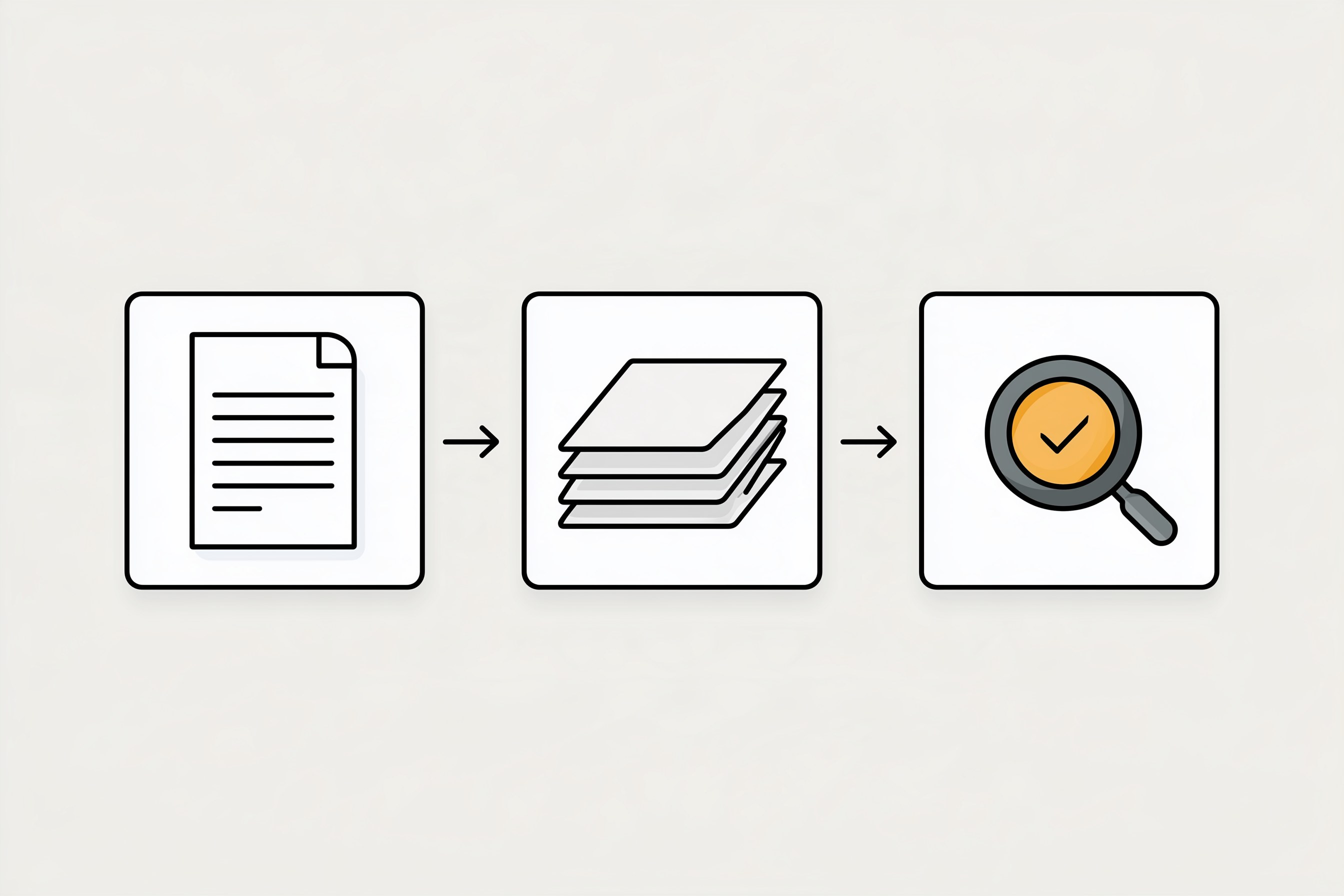
- Write the story in plain words. One page. What does this client care about? What is their problem? What is your fix? What should they do next?
- Feed the story to the tool. Hand ChatGPT your outline and an example deck you like. Let it do the layout.
- Inspect before you ship. Check every number, chart, and claim against the source. Read it out loud once. Then send.
That third step comes straight from the plant floor. Nothing ships without final inspection. A defect caught at the dock costs minutes. A defect caught by the customer costs trust. A wrong number on slide 7 in front of a client costs you more than ten minutes of checking ever will.
How My AI Workforce Taught Me to Draft Fast and Approve Slow
I run Matchless with a workforce of AI agents. They handle a lot of the day-to-day work, from drafting content to keeping notes.
They run on one hard rule. Draft first. I am the only approval gate. Nothing goes out the door with my name on it until I have looked at it and said yes.
That rule is the reason the system saves me time instead of creating cleanup. The agents go fast on the part that should be fast. I go slow on the part that should be slow. This article came out of that exact workflow. An agent drafted it. I review it before it goes live.
ChatGPT Slides fits right into that pattern. Let it draft the deck fast. Then you approve it slowly, slide by slide, before it reaches a client.
The same idea runs at home. My Weekly Meal Planner replaced HelloFresh in our house and ended the Sunday planning spiral. My Digital Wall Calendar replaced a $50 a month subscription and the nightly "what does tomorrow look like" conversation. Neither tool decides what my family values. We wrote those rules down first. The tools just carry them out.
If you want a clear look at where AI agents help today and where they still need you, I wrote about it in my post on whether AI agents really handle your everyday tasks.
Here Is What That Looks Like for a Real Pitch
Let me walk through an example. This is a made-up business, not a client story.
Picture a home baker who wants to land a weekly catering order with a local office. She has 20 minutes between school pickup and dinner.
Without a story, she types "make me a catering pitch deck." She gets 10 clean slides about quality ingredients and great service. It looks nice and says what every other baker says.
With Story First, Slides Last, she spends 10 minutes on a one-page outline first. The office has a Monday team meeting for 25 people. They want something better than grocery store pastries. Her offer is a standing Monday order with a rotating menu. She can deliver by 8:30 AM. She adds three photos of her real work.
Then she uploads that outline and a deck she made last year. ChatGPT does the layout. She spends the last few minutes checking the delivery time and the headcount on each slide.
Same tool. Same 20 minutes. One deck is about her. The other is about them.
Now run the Time, Money, Energy test on ChatGPT Slides for your own business.
Time. If you build a few decks a month and formatting eats your evenings, this can give you real hours back. If you build one deck a year, it may not be worth changing plans for.
Money. Slides needs a Pro, Business, or Enterprise plan. Price that against what you pay now for design help, templates, or a deck tool you could cancel. If it replaces a cost, great. If it stacks on top, think twice.
Energy. This is the one most people skip. A tool that drafts your deck at 9 PM so you can close the laptop by 9:30 is an energy win. A tool that leaves you double-checking every chart because you never wrote the story is an energy drain.
7 Steps to Build Your Next Deck With ChatGPT Slides
You can use these steps with ChatGPT Slides, or with the AI tool you already have if Slides has not reached your account yet.
- Check your plan and your access. Open ChatGPT and see if Space and Slides show up for you. If you are on Plus, look at the ChatGPT for PowerPoint add-in instead. Do not upgrade just to try it until you have done steps 2 and 3.
- Write a one-page story before you open any slide tool. Answer four questions in plain words. Who is this for? What problem do they have? What is your fix? What should they do next? If you cannot fill one page, you are not ready for slides yet.
- Pick your best existing deck as the style guide. Find the one deck you were proud of. ChatGPT Slides can use an example deck to match style and layout. One good example beats a long list of brand rules.
- Give ChatGPT the story and the example together. Upload both and ask for a short deck, around 8 to 10 slides, built only from your outline. Tell it not to add claims, numbers, or quotes that are not in your files.
- Edit the slides that carry the money. Go straight to your offer slide, your proof slide, and your next-step slide. Rewrite them in your own words. Those three slides win or lose the deal.
- Inspect every number before you ship. Check each chart, price, date, and statistic against the original source. OpenAI itself recommends checking content and formatting after export. Then export to the format your client uses and open the file to make sure fonts and charts held up.
- Save the outline as a reusable template. Keep your one-page story format and your example deck in one folder. Next time, you start at step 4. That is how one good deck turns into a system that keeps giving you time back.
Frequently Asked Questions
What is ChatGPT Slides?
ChatGPT Slides is a feature OpenAI began rolling out on October 16, 2026. It builds editable presentations inside ChatGPT from a conversation, uploaded files, an outline, or an example deck. You can edit slides by hand or ask ChatGPT for changes, work with teammates in real time, present from ChatGPT, and export your deck.
Can I use ChatGPT Slides on a Plus or free plan?
OpenAI lists ChatGPT Slides for Pro, Business, and Enterprise plans, and you also need access to Space. Free, Go, and Plus are not listed. If you are on Plus, the separate ChatGPT for PowerPoint add-in works inside PowerPoint and supports a broader range of plans, so check that option first.
Can ChatGPT Slides export to PowerPoint or Google Slides?
Yes. On the web, ChatGPT Slides exports to PowerPoint, PDF, or Google Slides. On the desktop app, you can open a deck in PowerPoint or Keynote if they are installed. OpenAI recommends checking content and formatting after export, because detailed layouts, charts, and unusual fonts can shift between formats.
Will an AI-made deck make my business look generic?
It will if you start from a blank prompt. AI fills gaps with safe, common phrases that any business could use. Start with a one-page outline about your specific client and upload an example deck you already like. The tool then builds around your story and your style instead of guessing at both.
How do I keep wrong numbers out of an AI presentation?
Treat every chart, price, date, and statistic as unchecked until you match it to the source file. Tell ChatGPT not to add numbers that are not in your files. Then check the money slides by hand before export. A ten-minute review costs far less than a wrong number in front of a client.
The Box Is Free Now. The Story Is Still Yours.
Back to that kitchen table at 10:40 PM.
The deck was never the hard part. You knew what you wanted to say. The hours went to boxes, fonts, and charts that would not line up.
ChatGPT Slides can take a big piece of that off your plate. For a parent running a business from home, that might mean closing the laptop an hour earlier. That is a real gift.
But be clear about what you are getting. You are getting a faster box. Your clients never bought the box. They bought the person who understood their problem and showed up with a plan.
So write the story first. Let the tool build the slides. Check every number before it ships. Then ask the only question that matters: did it give you back Time, Money, or Energy?
If it did, keep it.
If it did not, you still have the most valuable part. You know what to say.
The slides are the easy part now. Your story is still the thing that wins. That is A Better Way.
Keep Learning
- Can Claude AI Edit Your Google Docs, Sheets, and Slides Directly? What changes when AI works right inside the files you already use.
- Do AI Agents Actually Handle Your Everyday Tasks, Or Is That Still Hype in 2026? A clear look at what AI can take off your plate today and what still needs you.
- Should You Build Your Own App With AI Instead of Paying for Another Subscription? How to run the Time, Money, Energy test before you add another monthly tool.
- Will the GPT-4o API Shutdown Break Your Small Business Automations? What the OpenAI model retirements mean for the tools you already rely on.
About the Author
Warren Schuitema is an AI Systems Consultant with Matchless Marketing and Matchless AI. He spent 16 years in manufacturing and supply chain, where he learned that nothing ships without final inspection. He runs his business day to day with a workforce of AI agents that draft fast and wait for his approval before anything goes out. At home, his Weekly Meal Planner replaced HelloFresh and his Digital Wall Calendar replaced a $50 a month subscription. He helps small business owners and parent entrepreneurs build practical AI systems that give back Time, Money, or Energy, and he is a partner in the Goal Achievers Summit.