OpenAI just made ChatGPT's image tool faster, added GIFs, and says it now keeps products and brand details steady across edits. Here is what that means for a small business owner heading into the holiday rush, where it helps, where it can burn you, and the one rule I'd follow before posting a single AI image of something you sell.
By Warren Schuitema, AI Systems Consultant, Matchless Marketing / Matchless AI
Published: November 9, 2026 | Last Updated: November 2026
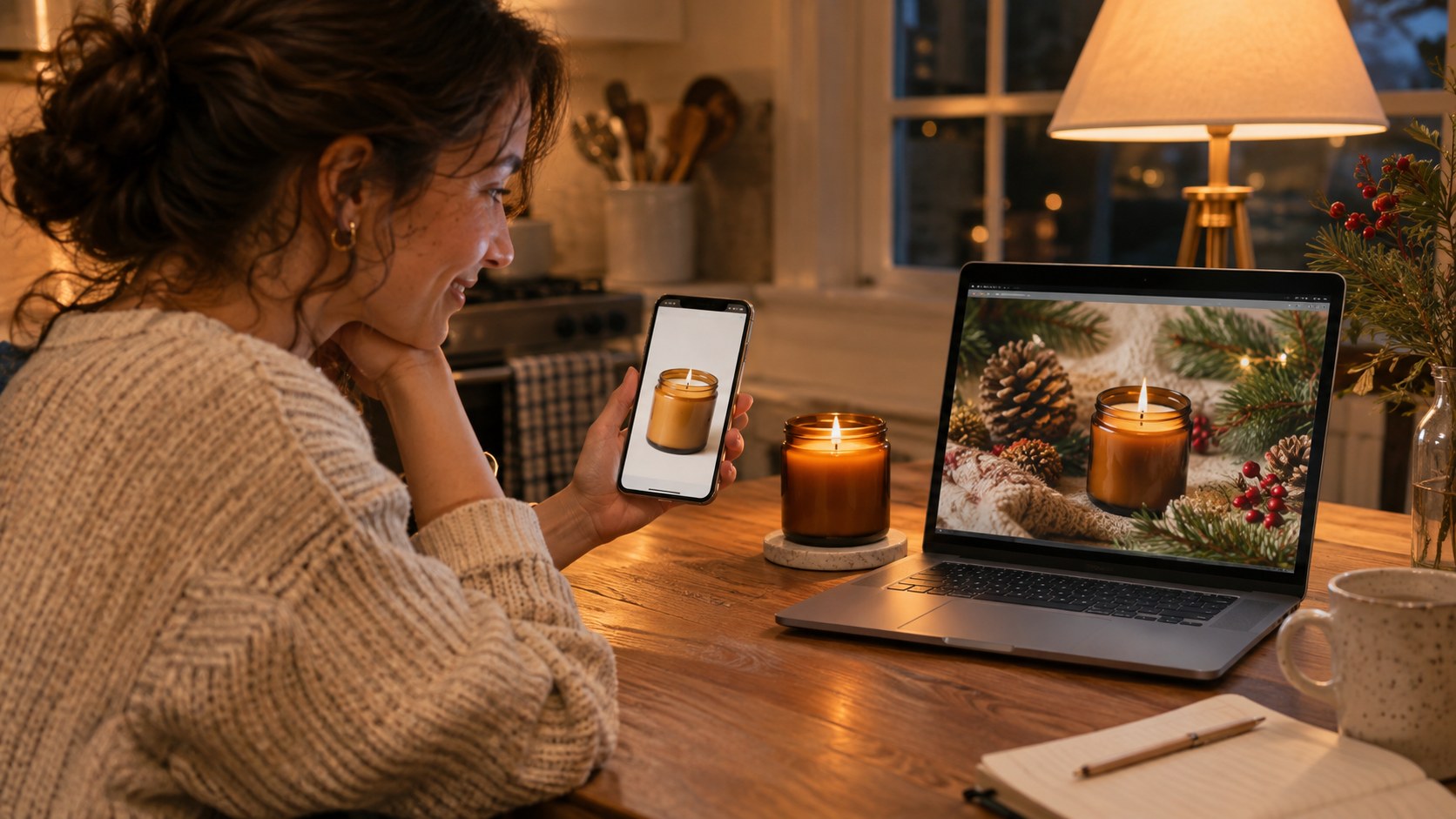
It's 9:40 on a Tuesday night. The kids are in bed. You have a holiday sale starting Friday and zero graphics for it.
You know the drill. Clear the kitchen counter. Prop up a sheet of white poster board. Chase the good light that left four hours ago. Take 60 photos of the same product on your phone. Pick the least bad one. Then fight with a design app until midnight trying to make it look "festive."
This week, OpenAI offered a shortcut. On November 4, 2026, it released ChatGPT Images 2.6. It makes images faster, turns a photo into a looping GIF, and, according to OpenAI, holds products and brand details steadier when you edit.
So can ChatGPT make your product photos and holiday graphics now? For the background, the scene, the seasonal mood, and the social graphic around your product: yes, and it's worth trying this week. For the product itself: start with a real photo of the real thing, and make the AI work around it. Never let it redraw what you sell.
That one line is the whole article. The rest is how to do it well.
Key Takeaways
- ChatGPT Images 2.6 launched November 4, 2026, and is available on all ChatGPT plans, including free, on web, desktop, and mobile. The new GIF feature is rolling out in phases.
- OpenAI says the update keeps figures, clothing, products, and brand details more reliable across rounds of edits. No one has measured that independently yet.
- 29% of small businesses already use AI to create visual content, per Constant Contact's survey of 2,500 small business decision-makers. 26% worry about brand inconsistency.
- 77% of U.S. holiday shoppers want to know when AI is part of their shopping experience, according to a Talkdesk survey of 1,048 shoppers fielded in September 2026.
- My rule: your real product photo is the proof. AI builds the stage around it. Check every image against that real photo before it goes live.
What OpenAI Changed in ChatGPT Images 2.6
Here is what's new, in plain terms, and who it came from.
Who gets it. OpenAI rolled it out on November 4 to ChatGPT users on web, desktop, and mobile. Tech outlet Basic Tutorials reports it's available "across all ChatGPT plans, including the free version." No upgrade needed to try it.
GIFs. You can now turn a prompt or a still image into an animated GIF. According to OpenAI's community post, quoted by AI Weekly, you can "adjust the speed, edit individual frames, and share it on repeat." OpenAI lists looping product photos and animated brand mascots among the uses. The GIF feature is rolling out in phases, so you may not see it yet.
Steadier edits. OpenAI says figures, clothing, products, and brand details are "retained more reliably across multiple editing rounds." Basic Tutorials adds a fair warning: "There are no independent measurements on this yet." Test that promise yourself before you trust it.
Saved reference photos. OpenAI's posts on X describe saving a photo as a reference, giving it a name, and calling it up in a later chat with an @mention. Handy for products. One catch: Basic Tutorials notes this feature showed up in OpenAI's X posts but not in its official blog post about Images 2.6. If you don't see it in your account, you'll re-upload your photo each time. That still works.
Speed. OpenAI claims image generation is 50% faster. AI Weekly points out that OpenAI didn't say which workloads get that gain. Your mileage will vary.
Labels built in. Basic Tutorials reports the images still carry C2PA metadata plus an invisible watermark. In plain terms, the files carry a hidden "made with AI" tag.
Scale. OpenAI says people make more than 4 billion images a week across ChatGPT, Codex, and its developer tools, per AI Weekly. That's up from about 3 billion when the last version came out in September.
Your customers are already scrolling past a flood of AI images. They're getting better at spotting them.
The Holiday Graphics Grind Is Real for Small Businesses
If you run a small business from home, you're probably the photographer, the designer, the copywriter, and the person who answers the DM at 10 PM. Same person. Every role.
Constant Contact's Small Business Now research for Q2 2026 surveyed 3,340 small businesses across the U.S., UK, Canada, and Australia/New Zealand. As reported by Digital IT News, 47% of small business owners handle all of their social media themselves. No team. No agency. Just them.
That's the crowd this update speaks to.
Here's the honest tension, though. The same tool that saves you two hours can also cost you a customer. If the scarf in your AI graphic is a slightly different red than the scarf in the box, that's a return. Maybe a one-star review. Maybe a buyer who quietly never comes back.
I spent 16 years in manufacturing and supply chain before I ever built an AI system. In that world, the product has to match the spec. Every time. A customer who ordered blue gets blue. Close to blue doesn't count. That habit has followed me into AI work, and it's why I get nervous when I see small businesses let AI redraw their products.
So the fix lives in the workflow.
What the Research Says About AI Images, Small Businesses, and Shoppers
A few numbers frame where we are.
A lot of small businesses already do this. Constant Contact surveyed 2,500 small business decision-makers in the U.S., UK, Canada, and Australia/New Zealand for its Small Business Now report. 29% said they use AI to create visual content. Nearly half, 48%, use AI to write emails, subject lines, or social posts.
Brand drift is a real worry. In that same research, 26% of small businesses named brand inconsistency as a concern about AI. 31% worried about trusting what AI produces. Fair worries, both of them.
Marketers lean on AI for visuals even more. Typeform's 2026 Trends in Generative AI and the Marketer report surveyed 1,191 marketers and 1,065 consumers. 57% of the marketers said they use AI for visuals or graphics.
Customers want to know. In the same Typeform report, 59% of consumers said brands should disclose AI-generated content. Only 21% said AI-generated marketing would make them trust a brand less. That's useful. Most people are fine with AI images. What they hate is feeling fooled.
The holiday shopper is paying attention. Talkdesk commissioned Centiment to survey 1,048 U.S. holiday shoppers and 312 retail decision-makers in September 2026. 74% of shoppers plan to use AI assistants for shopping this season. And 77% want to know when AI is part of their shopping experience. Meanwhile, 37% of the retailers said they don't fully disclose it.
Put those together and the picture is clear. AI images are normal now. Shoppers are fine with them. What shoppers won't forgive is a product that shows up looking different from the picture.
Your Real Product Is the Proof. AI Builds the Stage.
Here's my take, and it comes straight from the factory floor.
In manufacturing, there's an old idea called the golden sample. It's one approved unit of the product, kept on a shelf, that every new batch gets checked against. Color, size, finish, label. If the new batch doesn't match the golden sample, it doesn't ship. Simple rule. It saves a lot of grief.
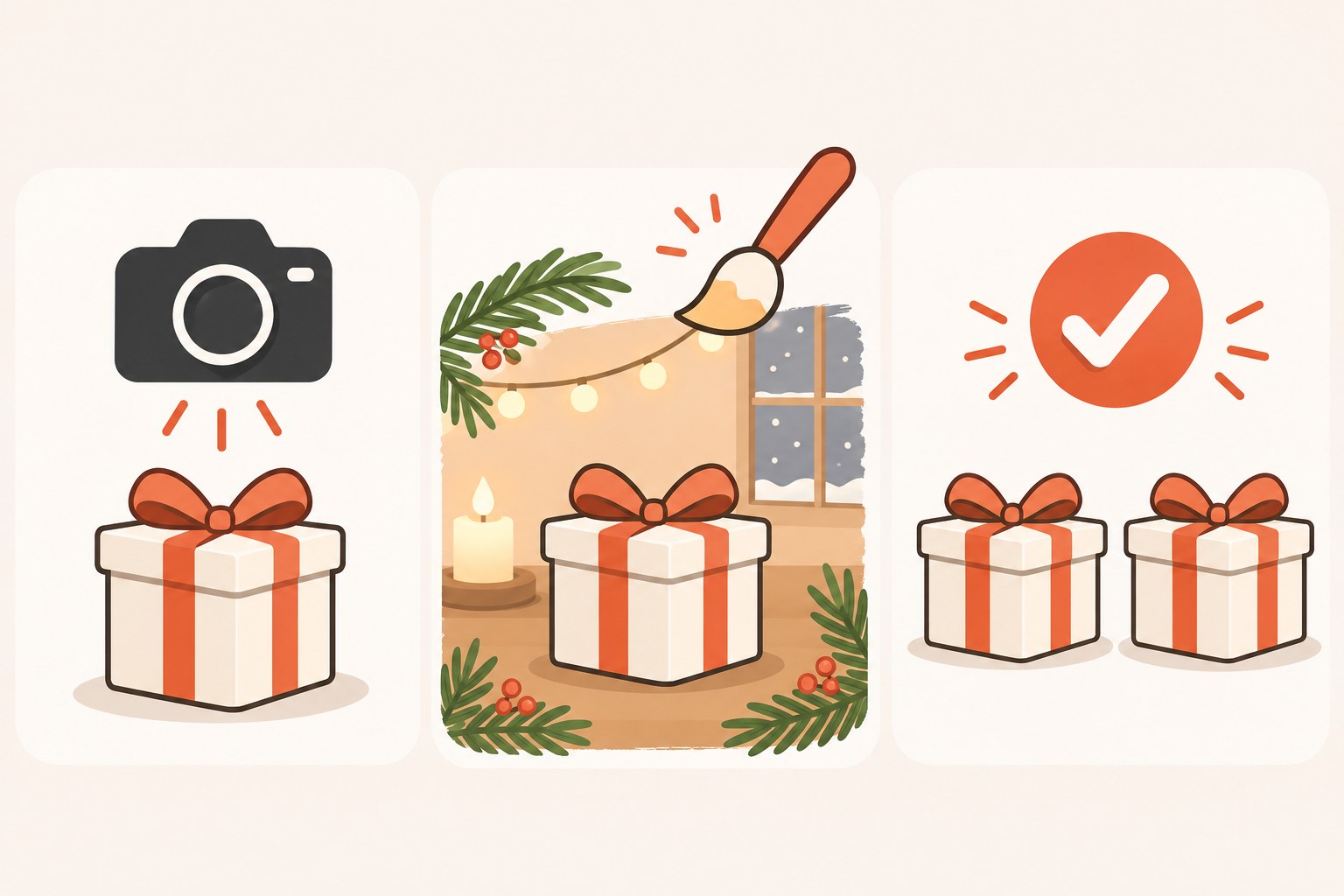
I use the same idea for AI images. I call it the Golden Sample Rule.
Your real product photo is the golden sample. One honest photo of the real item, in good light, true to color. That photo never gets redrawn by AI.
AI gets the stage. The background. The pine branches. The snowy window. The cozy kitchen table. The sale banner. The GIF loop. That's where the speed lives, and it's where a small mistake costs you nothing.
Every AI image gets checked against the golden sample before it ships. Does the product look exactly like the real one? Same color, same shape, same label, same size next to the props? If not, it doesn't post.
That's it. Three parts. It turns ChatGPT Images 2.6 from a gamble into a production line.
How I Run AI Work Without Losing Control of the Brand
Nothing AI makes reaches a customer without my sign-off. That goes for my business and my home.
Matchless Marketing runs day to day on a workforce of AI agents. Each one has a name, a written job description, and one lane. One drafts content. One keeps the numbers. This article started in that system. And the rule written into every agent's instructions is the same: nothing sends, posts, or spends without my word. The agents draft. I approve.
That's the golden sample idea in a different outfit. The agents can move fast because there's a fixed check at the end. Speed with a gate is safe. Speed without one is how you end up apologizing.
The same thinking runs my house.
When I built our Weekly Meal Planner, it replaced HelloFresh and ended our Sunday planning spiral. The trick was deciding the rules once: what we eat, what the kids will tolerate, what fits the budget. After that, the planner does the repeat work every week. I don't re-argue the rules every Sunday.
Our Digital Wall Calendar works the same way. It replaced a $50 a month subscription and the nightly "what does tomorrow look like" conversation. Everyone looks at one source of truth.
Your golden sample photo is that source of truth for your product. Decide it once. Every AI image gets checked against it. No re-arguing.
Where ChatGPT Images 2.6 Helps a Small Business, and Where It Doesn't
If you try it this week, here's where I'd point it first.
Good jobs for it:
- Seasonal backgrounds around a real product photo: a holiday table, a snowy porch, a gift wrap scene.
- Social graphics for a sale, an event, or a holiday closing notice.
- Short GIF loops for a story or a post, like steam rising off a mug or a slow pan across a gift set.
- A brand mascot or simple character you created yourself, kept steady across posts.
Jobs I'd keep away from it:
- Redrawing your product. Never let AI invent the item a customer will receive.
- Showing features you don't have. If the AI adds a gold zipper to a bag that has a silver one, delete the image.
- Fake people and fake reviews. Don't make "happy customers" who don't exist. That's a trust problem and can be a legal one.
- Anything with fine print. Prices, ingredients, sizing charts, and care labels should come from your real files, typed by you.
- Other people's brands, logos, or characters. Stick to what you own.
Here's a quick example to make it concrete. This is a made-up business, not a client story.
Picture a mom who makes hand-poured candles at her kitchen table. She takes one clean photo of her best seller, a cream candle in an amber jar. She uploads it and asks ChatGPT to place that exact candle on a wooden table with pine branches and soft evening light, and to leave the candle and label unchanged. She gets four options. One quietly turned the jar from amber to clear. She deletes it. The other three match her golden sample, so she picks the best one and adds her own sale text in her usual design app. She's done in 25 minutes instead of two hours. Then she turns it into a short GIF of the flame flickering for her Instagram story.
The AI built the stage. She protected the product.
Should You Tell Customers the Image Is AI-Made?
Short answer: when AI changed the scene in a way that matters, yes. It's simple and it builds trust.
The research points the same way. 59% of consumers in the Typeform report say brands should disclose AI content. 77% of holiday shoppers in the Talkdesk survey want to know when AI is involved.
You don't need a legal disclaimer on every post. A plain line works: "Product photo is real. Holiday background made with AI." That one sentence tells the customer the thing they care about most. What arrives at the door will match the picture.
Some platforms have their own AI labeling rules, and those rules change. Check the current rules for wherever you sell before the holiday rush. If you sell in a regulated category, or you're unsure what your platform requires, ask a professional before you post.
7 Steps to Make Holiday Graphics With ChatGPT Without Losing Your Brand
- Shoot one golden sample per product. Pick your top three sellers. Photograph each one by a window in daylight on a plain background. Check the color on your phone against the real item. This photo is your source of truth.
- Save your golden samples where you can find them. Make a folder called "Golden Samples." If the saved reference feature shows up in your ChatGPT account, save each photo there with a clear name like @blue-scarf. If it doesn't, just upload the same photo each time.
- Write a five-line style note. Your brand colors, your mood (cozy, bright, rustic), the words you never use, and one sentence on your customer. Keep it in a doc and paste it into every image request. Same note, every time.
- Ask for the stage, not the product. Try this prompt: "Use my uploaded photo. Keep the product exactly as it is: same color, shape, label, and size. Change only the background to [your scene]. Follow my style note below." Ask for three or four options.
- Run the golden sample check. Put each AI image next to your real photo. Check color, shape, label, and size against the props. If anything changed, delete it. No exceptions, even when it looks better.
- Test one GIF, in one slot. Turn your best approved image into a short loop and post it in one story or one post. See how it lands before you make ten of them.
- Label it, time it, and keep score. Add a plain "background made with AI" line where it fits. Write down how long the graphic took. After two weeks, compare it to your usual posts. Keep what saves you time and still gets results.
Frequently Asked Questions
Is ChatGPT Images 2.6 free to use?
Yes. Reports on the November 4, 2026 launch say Images 2.6 is available across all ChatGPT plans, including the free version, on web, desktop, and mobile. The GIF feature is rolling out in phases, so some accounts may not see it right away.
Can ChatGPT make product photos for my small business?
It can build backgrounds, scenes, and graphics around a real photo of your product. That's where it saves the most time. Don't let it redraw the product itself. Start with one honest photo of the real item, ask AI to change only the setting, and check every result against that photo before posting.
Will customers know my images were made with AI?
Often, yes. Reports say ChatGPT images carry C2PA metadata, a hidden tag showing they were made with AI, and many shoppers can spot AI images on sight. Surveys show most customers simply want to be told. A simple line like "Product photo is real, background made with AI" keeps trust intact and sets the right expectation.
What's the biggest mistake small businesses make with AI product images?
Letting the AI change the product. A slightly different color, a missing button, or a new label design can lead to returns and bad reviews. The fix is a golden sample: one real, true-color photo of each product that every AI image gets checked against before it goes live. If it doesn't match, delete it.
Do I still need a photographer or designer?
For your core product photos, a clean, honest shot still matters most, and a pro can help. For quick seasonal graphics, sale banners, and story GIFs, AI can handle the first draft fast. Many small businesses will get the best results by paying for great base photos once, then using AI for the weekly stage work.
Your Product Is the Promise
Remember that Tuesday night? Poster board, bad light, 60 photos, and a design app fight that ran past midnight?
ChatGPT Images 2.6 can shrink most of that. The background, the pine branches, the holiday mood, the little looping GIF. That part can take minutes now.
But the product in the picture is a promise. It's what the customer is paying for and what shows up on their porch. That part stays real, every time, and you're the one who checks it.
So run the test I run on every system in my business and my home. Does it give me back Time, Money, or Energy?
Time, because a holiday graphic goes from two hours to under thirty minutes. Money, because you can test ideas before you pay a designer for the final version. Energy, because you stop dreading the night before every sale.
Real product. AI stage. Your eyes on every image before it ships. That's A Better Way.
Keep Learning
- What Do Google's New AI Mode Ads Mean for Your Small Business? How AI search is changing where your products show up.
- How Do You Get ChatGPT and Claude to Remember the Same Things About Your Business? Why your brand details belong in a file you own.
- Is Your AI Assistant Quietly Making Your Business Decisions for You? Where to draw the line on what AI decides.
- How Do You Keep AI Usage Charges From Surprising Your Small Business? Simple limits so AI tools don't turn into a surprise bill.
- Should You Let AI Read Your Bank Account? Why AI should look and explain before it ever acts.
About the Author
Warren Schuitema is an AI Systems Consultant with Matchless Marketing and Matchless AI. He spent 16 years in manufacturing and supply chain, where every product had to match its spec, before building AI systems for small businesses and families. His business runs day to day on a workforce of AI agents with one firm rule: nothing posts, sends, or spends without his yes. At home, his Digital Wall Calendar replaced a $50 a month subscription and his Weekly Meal Planner replaced HelloFresh. He helps small business owners and parent entrepreneurs build practical AI systems that give back Time, Money, or Energy, and he is a partner in the Goal Achievers Summit.