Last week, Microsoft 365 went dark for users in more than 70 countries, Copilot included. Here is how a supply chain guy turned AI consultant plans for the day the tools stop working.
By Warren Schuitema, AI Systems Consultant, Matchless Marketing / Matchless AI
Last Updated: November 2026

On Thursday, November 12, a lot of small business owners opened Outlook and got nothing.
No inbox. Then Teams started failing. Then Copilot, Microsoft's AI assistant, went down with them. People in more than 70 countries reported problems. For many of them, the trouble dragged into the next day, and full recovery took until the morning of November 14.
So what happens to your business when your AI tools go down?
Here is my short answer. If you planned for it, you have a slow day. If you did not, you have a scary one. The tools will go down again. Every one of them. The only thing you control is whether your business can keep moving for a day on paper, a phone, and a plan you wrote ahead of time.
I spent 16 years in manufacturing and supply chain. On a plant floor, nobody asks if a line will go down. You ask when, and you write down what everybody does when it happens. I think your AI tools deserve the same calm respect. Write the plan.
That is what this post is about. What actually broke last week, what the numbers say about how much we now lean on AI, and a simple way to build a backup plan in one afternoon.
Key Takeaways
- The November 12 Microsoft 365 outage took down Outlook, Teams, and Copilot for many users, and Microsoft traced it to a change on its own systems, not an attack.
- Most small businesses now use AI. A Goldman Sachs survey found 76% of its small business owners use it, and an SBE Council survey found 82% have adopted at least one AI tool.
- When one service fails, the AI tools connected to it can fail too, even tools from a different company.
- A good backup plan is short: what you depend on, what breaks first, and the manual way to do it for one day.
- Test every AI system against one question: does it give you back Time, Money, or Energy, and can you still run the day without it?
Last Thursday, the Inbox Just Stopped
Here is what we know, pulled from coverage of the outage.
Trouble started around midday Eastern time on November 12. People across the Americas lost access to their Outlook mailboxes first. Then it spread. Microsoft listed Exchange Online, Teams, SharePoint, Microsoft 365 Copilot, and its Defender security tools as affected, according to Latin Times.
Shortly after 1 PM Eastern, the outage tracker Downdetector had logged nearly 130,000 reports of Outlook problems. Those are people clicking "I have a problem," not a count of everyone affected. The real number was bigger.
Microsoft traced the problem to a change on its own servers and network. A Microsoft leader said there was "no indication of malicious activity." The fix was slow and careful. Microsoft rolled back the change, rebuilt servers on an older setup, and brought traffic back a little at a time. To keep delayed emails from bouncing, Microsoft stretched its email timeout to 48 hours. And it said it was "deeply sorry."
Now here is the detail I keep thinking about.
The outage did not stay inside Microsoft. Latin Times reported that Anthropic's status page showed a spike in errors on its Microsoft 365 connector during the same window. That is the piece that lets Claude read your mail, files, and calendar. The trouble showed up right where Claude plugs into Microsoft.
That is the new reality. Your AI tools sit on top of your email, your calendar, your files. When the foundation shakes, everything sitting on it shakes too.
We Lean on These Tools More Than We Admit
A few years ago, an email outage meant you could not send email. Annoying. Survivable.
Today, for a lot of small businesses, email is where the AI lives too. It drafts your replies. It summarizes your threads. It books the meeting. It writes the follow-up you forgot. So when the inbox goes, the helper goes with it, right when you need it most.
And most of us are leaning hard now.
In early 2026, Goldman Sachs surveyed 1,256 owners in its 10,000 Small Businesses program. 76% said they currently use AI. That is three out of four. A fair note: these are program participants, not a random sample of every business in America. Still, it tells you where things are heading.
The SBE Council ran its own survey in February 2026. It talked to 517 small business employers with 2 to 99 employees. 82% said they have adopted at least one AI tool. Owners reported saving a median of 5 hours a week.
Five hours a week. For a parent running a business from the spare bedroom, that is real. Dinner without the laptop open. The soccer game you actually watch.
Here is the catch. The more time a tool saves you on a normal day, the more it costs you on the day it disappears. Those 5 hours do not vanish quietly. They come back all at once, usually on a Thursday afternoon, with clients waiting.
Most Owners Have Never Priced Out a Bad Day
Here is the uncomfortable part.
Most of us have no idea what a day without our tools would cost. I am not judging. I did not either, before I started building AI systems for a living.
The best data I could find on this is older, so hold it loosely. In 2020, the data protection company Infrascale surveyed more than 500 executives at small and midsize businesses, as reported by TechRadar. 38% said they did not know what one hour of downtime costs them. 37% said they had lost customers because of downtime.
That survey came out before most small businesses had AI in the mix. Remember, it came from a company that sells backup services, so it has a reason to make downtime sound scary. But I would bet the "I don't know" crowd has not gotten smaller since. We added more tools, connected them to each other, and moved more of the day into them.
There is one more number worth sitting with. In that same Goldman Sachs survey, only 14% of owners said AI is fully built into their core operations. So most businesses are in the messy middle. AI is woven into some of the work, but nobody has written down which parts. That is exactly where an outage hurts most. You do not know what is broken until you reach for it.
I see the same thing in my own work. When I sit down with an owner, they can usually name their AI tools in about ten seconds. Ask them what each tool is connected to, and the room gets quiet.
In a Factory, You Plan for the Line Going Down
This is where my years in manufacturing come in.
On a plant floor, there is a phrase everybody knows. "Line down." It means the production line stopped. A machine broke. A part did not show up. A computer system crashed.
Good plants do not panic when they hear it. They pull out the plan.
That plan answers three questions. What stopped? What do we do by hand until it is back? Who needs to know? It is usually short. Sometimes it is one laminated page by the machine. The point is that nobody invents the answer while the line is stopped and the clock is running.
Supply chain people also hate a single point of failure. If one supplier makes a part you cannot live without, you find a second source, or you keep enough stock on the shelf to get through a bad week. Even great suppliers have bad weeks.
So here is my reframe. Treat your AI tools like a production line. Lines go down. Good businesses plan for it, calmly, ahead of time.
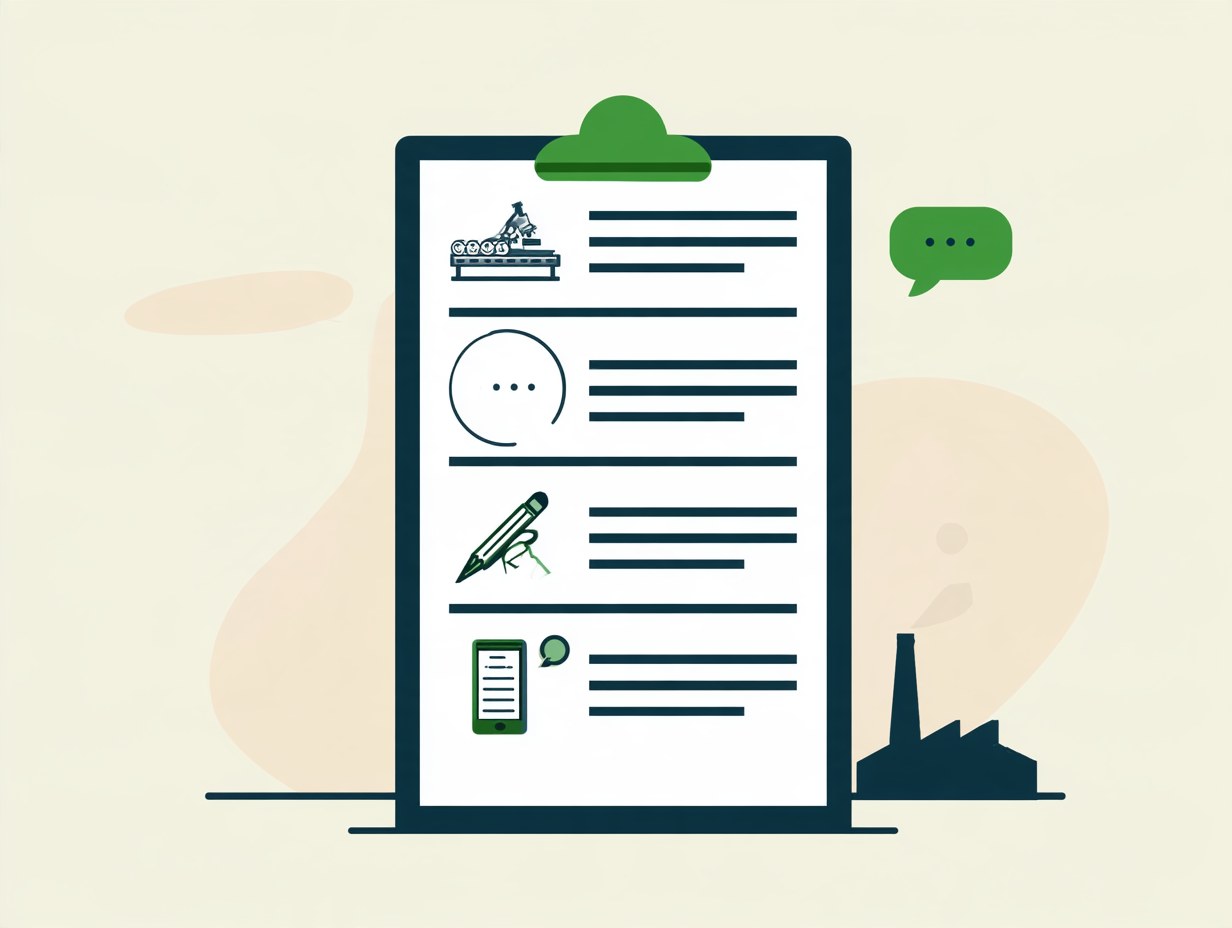
I call it the Line-Down Plan. One page. Three questions for every AI tool you depend on:
- What stops? If this tool is gone for a day, what work stops with it?
- What is the manual way? How would you do that work by hand, with a phone and a notepad, for one day?
- Who needs to hear from you? Which clients, family members, or team members need a heads-up, and how will you reach them if email is down?
That is it. No IT department needed. Just the same common sense a good plant manager uses every shift.
And notice what it leaves out on purpose: which AI is smartest. A clever tool you cannot work without is a risk. A plain tool with a backup plan is a business.
How I Built My Own Agent Team to Survive a Bad Day
I run my business with a team of AI agents. They handle intake, draft my emails, prep my content, track follow-ups, and put together my morning brief. They run on schedules while I am getting my two girls ready in the morning.
So I have had to think about this for real, not just for a blog post.
Two choices make my setup calmer on a bad day.
First, nothing goes out without my word. Every agent drafts. I approve. Nothing sends, posts, books, bills, or spends until I say so. I built it that way for safety. It turns out to be great for outages too. If an agent stops working, the worst case is a draft that is not waiting for me in the morning. Nothing half-finished goes out to a client. A missing draft is an annoyance. A wrong email to a client is a mess.
Second, every agent reports in. Each one files a short daily recap, and those recaps land in one morning email. If a recap is missing, that is my smoke alarm. I know which part of the line stopped before a client ever notices.
Neither of those is fancy tech. They are factory habits. Approval before release. A daily check that every station ran.
The same thinking applies at home. Our family runs on systems I built. The Weekly Meal Planner replaced HelloFresh for us and ended the Sunday planning spiral. The Digital Wall Calendar replaced a $50 a month subscription and the nightly "who is driving who where tomorrow" conversation.
I love both. And I still want our family to know what the day looks like if a screen does not load. Who has pickup. What is for dinner. That kind of thing should never live in only one place.
That is the Time, Money, Energy test with one extra question bolted on. Does this system give me back Time, Money, or Energy? And if it disappears for a day, can we still function? If the answer to the second one is no, the system is not done yet.
Seven Steps to Build Your Line-Down Plan This Week
Here is how to build it. Most people can finish this in one afternoon.
- List every AI tool you use for work. Open a blank page. Write down each AI tool, what it does for you, and what it is plugged into. Copilot reads your Outlook. Your scheduler reads your calendar. Your chatbot reads your website. Those connections are where outages spread.
- Color-code each one. Red means a day without it stops money or upsets clients. Yellow means it slows you down. Green means you would barely notice. Be honest. Most people find two or three reds and a lot of greens.
- Write the manual way for every red. One or two lines each. "If the AI scheduler is down, I take bookings by phone and write them in the paper planner." Keep a printed copy somewhere you can find it without a computer.
- Set up a second way to reach your customers. If your email goes down, how do clients hear from you? A business phone with text, a backup email on a different provider, or a pinned post on your social page. Write a short "we're having tech trouble, here's how to reach us" message now, while you are calm.
- Keep the critical stuff reachable offline. Once a week, export or print what you would need for one bad day: today's appointments, your active client contacts, and your open invoices. It takes ten minutes. On the bad day, it is gold.
- Bookmark the status pages. Microsoft, Google, OpenAI, and Anthropic all run public status pages. Save them in one folder. When something feels broken, check there first. It saves you an hour of restarting your laptop and blaming your Wi-Fi.
- Run a 30-minute fire drill every quarter. Pick a quiet afternoon. Pretend your main AI tool is down. Walk through your plan. Can you find the printed list? Does the backup phone work? Fix whatever you trip over. Then go back to work.
Start with step one tonight. It takes fifteen minutes, and it makes every other step easier.
Frequently Asked Questions
What happened in the November 2026 Microsoft 365 outage?
On November 12, 2026, Microsoft 365 services including Outlook, Teams, SharePoint, and Copilot failed for many users worldwide. Microsoft traced it to a change on its own servers and network, not a cyberattack. It rolled the change back and restored service gradually. Coverage reports full recovery by the morning of November 14.
Can one company's outage break AI tools from another company?
Yes. Many AI tools connect to your email, calendar, and files. If the service underneath fails, the AI tool connected to it can fail too. During the Microsoft outage, Anthropic's status page reported errors on its Microsoft 365 connector during the same window. List these connections before trouble starts.
What is a Line-Down Plan for AI tools?
A Line-Down Plan is a one-page backup plan for the AI tools your business depends on. For each tool, it answers three questions: what work stops if it goes down, how you do that work by hand for a day, and who needs to hear from you. The idea comes from factory planning.
Do small businesses really need a backup plan for AI?
Yes, especially if AI handles anything customers see. An SBE Council survey found 82% of small business employers have adopted at least one AI tool. The more work a tool handles, the more it costs you when it disappears. A backup plan takes one afternoon to write and turns a scary day into a slow one.
How often should I test my AI backup plan?
Test it once a quarter with a 30-minute fire drill. Pretend your main AI tool is down and walk through the plan. Check that the printed lists are current, the backup phone or email works, and everyone knows their part. Update the plan whenever you add a new AI tool to your business.
A Better Way to Trust Your Tools
Go back to that Thursday. The inbox will not load. The AI helper is spinning. A client is waiting for an answer.
Now picture the same afternoon with a plan. You check the status page and see it is not you. You send a quick text to the two clients who matter today. You pull out the printed schedule. You do the important stuff by hand. Then you close the laptop and make dinner, because there is nothing else to fix.
Same outage. Completely different day.
AI tools are going to keep getting better, and they are going to keep going down sometimes. Both things are true. The owners who do well will not be the ones with the fanciest tools. They will be the ones who know exactly what to do when the tools stop.
You do not need to be a tech person to handle this. You need what every good factory already has. A list. A manual backup. A drill you actually run.
Keep asking the question that matters: is this tool giving me back Time, Money, or Energy? Then ask the second one: could I still run my day without it?
When both answers are yes, you are the one in charge of your AI.
That is A Better Way.
An outage is one reason to audit which AI features you actually rely on. The rest can be switched off. For more on that, see Should You Turn Off the AI Features in Your Business Tools?
Keep Learning
- Is Relying on a Single AI Tool a Risk for Your Business? Why putting your whole business on one AI platform is a bet worth thinking twice about.
- Your AI Agent Broke Something. Here's How to Know Before Your Client Does Simple ways to spot a problem with your AI setup early.
- Why Does Your AI Agent Forget Your Rules Halfway Through a Long Job? Another kind of failure, and how to catch it.
- How Do You Keep AI Usage Charges From Surprising Your Small Business? Planning ahead for the money side of your AI tools.
About the Author
Warren Schuitema is an AI Systems Consultant with Matchless Marketing and Matchless AI. Before AI, he spent 16 years in manufacturing and supply chain, where line-down plans, backup suppliers, and daily checks were part of every shift. Today he runs his own business with a team of AI agents built on two rules: nothing goes out without his word, and every agent reports in daily. He builds practical AI systems for small business owners and parent entrepreneurs, from a Weekly Meal Planner that replaced HelloFresh to a Digital Wall Calendar that replaced a $50 a month subscription. His test for every system is simple. Does it give back Time, Money, or Energy? Learn more at matchless-marketing.com.