This week 1Password launched a way for AI agents to log in without ever seeing your password, and major banks started blocking agents they never approved. Here is what that means for a small business, and the simple rule I use before any AI gets a key.
By Warren Schuitema, AI Systems Consultant, Matchless Marketing / Matchless AI
Published: October 23, 2026 | Last Updated: October 2026

It starts with a small, tired thought.
It is 9 PM. The kids are down. You have 14 browser tabs open: the bank, the payment processor, the shipping account, the email marketing tool, the supplier portal. And somewhere in the back of your head, a voice says, "If I just gave the AI my logins, it could do all of this for me."
I get it. I have had that thought too.
So, should you give an AI agent the passwords to your business accounts? No. Not the raw passwords, and not to anything that can move money. What you can do is give an agent a limited, approved way in, where you see each request and say yes or no. That option got real this week. On October 22, 2026, 1Password launched 1Password for Agents, which lets an AI agent sign in for you without the agent ever seeing the password. The same day, Axios reported that major U.S. banks are finding AI agents inside customer accounts that the banks never approved, and some of them are shutting those agents out.
Both stories point at the same answer. Let AI help. Keep the keys.
Key Takeaways
- On October 22, 2026, 1Password launched 1Password for Agents. When an agent hits a login page, you see which login it wants and why, and you approve or reject it on your own device. 1Password fills in the login, and the agent never gets the password.
- The same day, Axios reported that Morgan Stanley is blocking third-party AI agents, and JPMorgan, Bank of America, and Citi are restricting them. Most banks are moving toward read-only access for agents.
- Verizon's 2025 Data Breach Investigations Report found that stolen or abused credentials were the top way attackers got in, at 22 percent of breaches. Ransomware showed up in 88 percent of small and midsize business breaches.
- A good rule for any AI tool is three keys: a Read key, a Draft key, and an Act key. Most agents only need the first two.
- Anything that can spend, send, or sign should still wait for a human yes.
The Shortcut Every Busy Owner Thinks About
If you run a business from home, you have plenty of tools. What you run short on is hands.
Every account wants a little piece of your attention. Download this report. Approve that payment. Pull last month's numbers. None of it is hard. All of it adds up.
The newer AI agents can do more than chat. They can open a browser, click through a website, fill in forms, and finish a task. That is the whole appeal.
But to do that inside your accounts, an agent has to get past the login screen. Up to now, the easy way to make that happen was ugly. You pasted your username and password into the chat, or saved them where the agent could read them.
That shortcut feels harmless when you are tired. It is like handing a new hire your keys, your bank card, and your PIN on day one, then leaving for the day.
This week gave us a middle path.
Here Is What Changed This Week
Two stories broke on the same Thursday, October 22, 2026. Read together, they tell you where this is heading.
1Password for Agents. 1Password, the password manager, launched a platform that lets personal AI agents log in to accounts for you without seeing your password. The Next Web laid out how it works. When an agent reaches a login page, it proves who it is to 1Password with its own digital key. You see which login the agent wants and why. You approve or reject the request on your own device. If you approve, 1Password types the login straight into the form. The agent never receives it, and the password stays in your vault.
Coverage differs on which assistants work with it on day one. 9to5Mac reported Meta's Muse and the Grok Bot work now, with OpenAI, Anthropic, and others coming. There is a waitlist, and early reports listed no pricing, so check what is live for you first.
1Password's chief product officer, Aashish Tripathi, put the goal in one line, as quoted by The Next Web: "An agent should be able to do the job it's been asked to do without getting permanent access to everything behind the account."
That sentence is the whole lesson of this article.
Banks pushing back. The same day, Axios reported that major U.S. banks are finding third-party AI agents working inside customer accounts. Some agents logged in with the customer's own username and password. According to Axios's sources, some agents took actions that seemed to go beyond what the customer asked for.
Morgan Stanley has started blocking third-party agents. JPMorgan, Bank of America, and Citi are restricting them. Banks are also rewriting their terms of service. One bank executive told Axios they struggle to tell whether an agent was approved by the customer or has "gone rogue." A Chase spokesperson said customers should not give their usernames and passwords to anyone.
Here is the part to notice. Most banks have approved, or are leaning toward, read-only access for agents. An agent can look at your financial data without moving money, the same kind of access apps like Quicken already get.
The banks just drew the line I would draw for you. Looking is one thing. Acting is another.
One more signal. On October 21, Microsoft reported that a hacking group it calls Storm-0940 used stolen app credentials from a cloud backup tool to get into customers' Microsoft 365 accounts. Microsoft's advice starts with least privilege: give each app only the access it needs.
The Numbers Say Passwords Are Still the Front Door
Small businesses sit right in the middle of this. Look at what the research shows.
Stolen logins are the top way in. Verizon's 2025 Data Breach Investigations Report studied more than 12,000 confirmed data breaches. Credential abuse, meaning stolen or misused logins, was the most common way attackers got in, at 22 percent. Exploited software flaws came in close behind at 20 percent.
Small businesses get hit harder by ransomware. In that same report, ransomware showed up in 88 percent of breaches at small and midsize businesses. At large companies, it was 39 percent. Big companies have security teams. Most of us have a sticky note and a good intention.
The outside partner is a bigger risk than it used to be. Breaches involving a third party doubled in a year, from 15 percent to 30 percent. An AI agent you connect to your accounts is a third party. Treat it that way.
People are already mixing AI and work accounts loosely. Verizon found that 15 percent of employees regularly used AI tools on work devices. Of those, 72 percent signed in with a personal email instead of a work account. That is how logins drift out of sight.
Shared logins and AI incidents go together. In a July 2026 VentureBeat survey of 107 companies with more than 100 employees, 69 percent let AI agents share credentials somewhere, like a shared API key or a person's own login. And 54 percent had already had an agent security incident or a close call. Companies that shared credentials anywhere had an incident or near-miss 63.5 percent of the time. Companies that gave every agent its own limited access came in at 40.9 percent. VentureBeat calls the survey directional, since the sample is small and self-selected. But the pattern is hard to ignore.
Here is how I read it. Attackers go after logins first. Small businesses get hurt worst. AI agents add new hands to the same accounts. If those hands carry your raw password, you just made the front door wider.
Give Your AI a Key Ring, Not Your Whole Wallet
So here is the reframe I want you to keep. The question to ask about any AI tool is simple: "What is the smallest key this job needs?"
I spent 16 years in manufacturing and supply chain. On a plant floor, not every badge opens every door. The person who runs the forklift does not get the key to payroll. And when someone works on a machine, there is a rule called lockout/tagout. The power gets locked off, and the person doing the work holds the key. Nobody turns that machine back on without them.
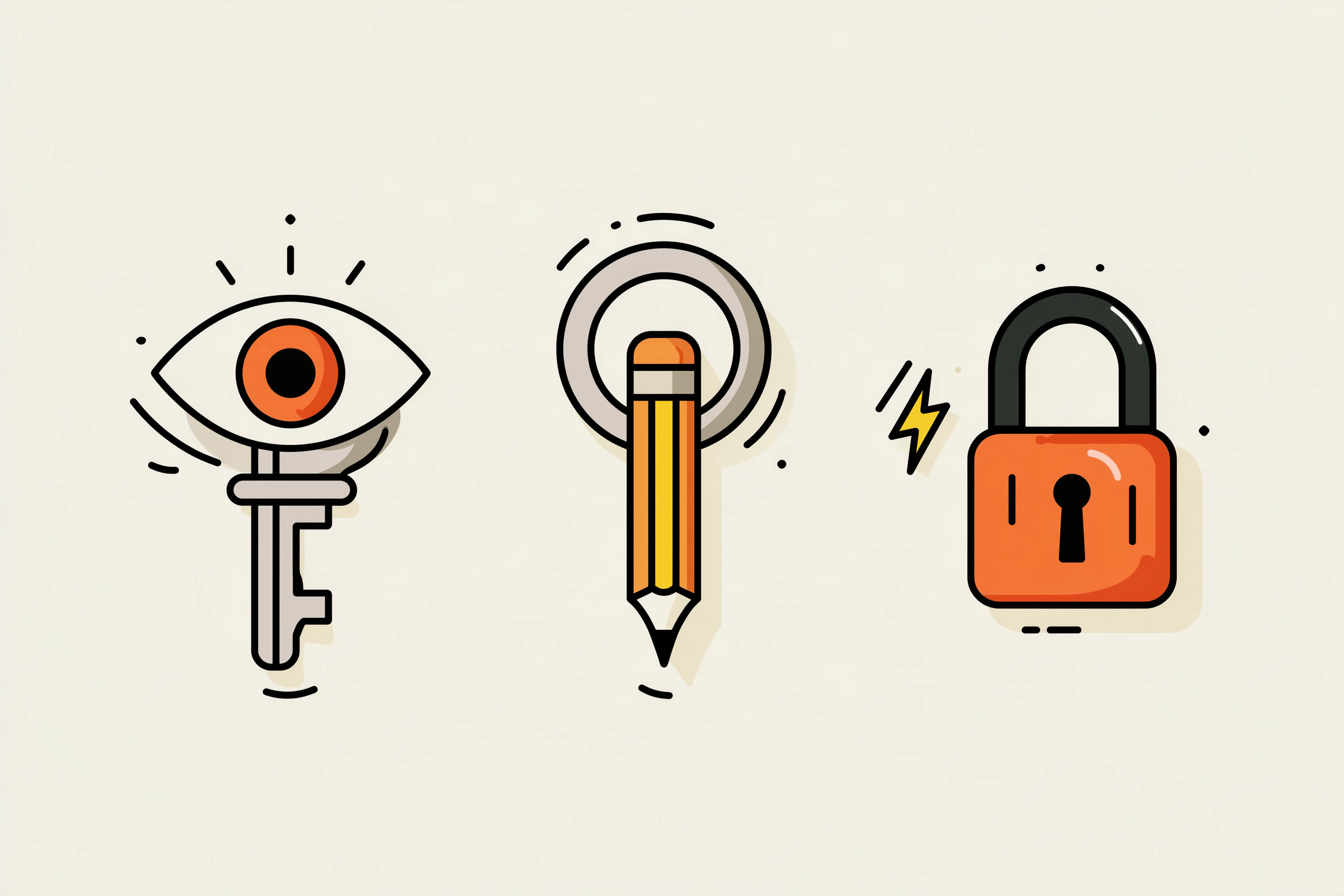
That is the mindset I bring to AI. I sort every task into one of three keys. I call it the Three Keys.
- The Read key. The agent can look. It can read your sales report, pull your bank balance, scan your inbox, check your inventory. It cannot change anything. Most of the time saved by AI lives right here, because so much of a business owner's day is just gathering information.
- The Draft key. The agent can prepare. It can write the email, fill in the invoice, set up the order, build the schedule. Then it stops and waits. You look it over and say yes.
- The Act key. The agent can do. It can send, pay, post, buy, sign, or delete without asking first. This key is rare. It should only go to tasks where a mistake is small, cheap, and easy to undo.
Notice what the banks just did. They are moving agents to the Read key. Notice what 1Password just built. It turns every login into a quick Draft-key moment, where the agent asks and you approve.
How My AI Workforce Runs on the Draft Key
I run Matchless with a workforce of AI agents. They handle a lot of the day-to-day work, from drafting content to research to keeping notes.
They all live under one hard rule. Draft first. I am the only approval gate. Nothing sends, posts, invoices, books, buys, signs, or spends on my behalf until I say so. See when a proactive agent should reach you.
Etsy is drawing the same line for sellers. Etsy now bans listings made with no human involvement, so the human approval gate matters there too.
That rule is the Draft key in action. My agents go fast on the part that should be fast. I go slow on the part that should be slow. This article came out of that exact system. An agent researched it and drafted it. It waits for my review before it goes anywhere.
Does that slow things down? A little. But I never wake up to a client email I did not write, or a charge I did not approve. That is Energy I get back.
The same idea runs at home. My Weekly Meal Planner replaced HelloFresh in our house and ended the Sunday planning spiral. My Digital Wall Calendar replaced a $50 a month subscription and the nightly "what does tomorrow look like" talk. Those tools help because the rules came first. We decided what mattered as a family. The tools carry it out.
The same idea applies to the family device itself: ChatGPT's new locked chats keep business chats private on the family device, so the kids see their homework and nothing else.
If you want a wider look at locking down the AI tools you already use, my earlier post on what the AI labs' agent security crisis means for your business covers how to audit what your agents can touch. This post zooms in on the logins themselves.
What the Three Keys Look Like in a Real Week
Let me walk through an example. This is a made-up business, not a client story.
Picture a mom who runs a small online shop selling handmade candles from her garage. She has an AI agent and about 30 minutes a night after bedtime.
Read key jobs. Every Monday, the agent pulls last week's sales, checks which scents are low, and reads her bank balance through a read-only connection. She gets a one-page summary instead of clicking through five tabs.
Draft key jobs. The agent writes the reorder for wax and wicks, fills in the supplier form, and stops. It drafts replies to customer emails and leaves them in her drafts folder. She reads, tweaks a line or two, and hits send herself.
Act key jobs. Very few. Maybe the agent can file receipts into a folder, or tag orders by shipping type. If it gets one wrong, she moves a file. No money moves. No customer sees it.
Notice what is missing. The agent never holds her bank password or her card number. If a login is needed, she approves it in the moment through a password manager that supports agents.
Now run the Time, Money, Energy test on your own setup.
Time. Read-key jobs give back the most time for the least risk. Start there. Gathering numbers and summarizing them is where most owners lose the evening.
Money. A bad Act-key mistake can cost more than every hour the agent ever saved you. One wrong payment, one sent invoice with the wrong total, one supplier order for 10 times the amount. Keep anything that spends behind your yes.
Energy. An agent with too much access is something you worry about at 2 AM. An agent with the right key is something you forget about, in the good way.
7 Steps to Lock Down AI Agent Access This Week
These steps work whether you use ChatGPT, Claude, Gemini, or any other assistant that can act for you.
- List every account an AI tool can reach today. Open each AI tool's connections or integrations page. Write down every account it can see: email, calendar, drive, bank, store, social. You will likely find one you forgot.
- Pull any password you ever pasted into a chat. Search your AI chat history for words like "password" and "login." If you find a real one, change that password today. Then delete the chat.
- Put every login in a password manager. It keeps logins out of chats, notes, and sticky notes. If you want agents to sign in for you later, a manager with agent support, like 1Password for Agents, keeps the password away from the agent.
- Give each AI task its key: Read, Draft, or Act. Go down your list of AI jobs and label each one. Default to Read. Move a job to Draft only when the agent needs to prepare something. Move it to Act only when a mistake is small and easy to undo.
- Keep money, sending, and signing behind your yes. Payments, invoices, supplier orders, client emails, posts, contracts. None of these get an Act key. The agent drafts. You approve. That one rule removes most of the real risk.
- Use read-only connections for bank data. If an agent needs to see your finances, connect through your bank's approved options or an accounting app with read-only access. Never hand an agent your bank login. Banks are already blocking agents that log in that way.
- Turn on two-step login and do a 10-minute check each Friday. Add two-step verification to your bank, email, and payment accounts. Then once a week, look at what your AI tools did and which accounts they touched. If something surprises you, take that key back.
Frequently Asked Questions
Is it safe to give ChatGPT or another AI assistant my password?
No. Pasting a real password into any AI chat puts it in your chat history and gives the tool full access to that account. Use a password manager instead. Some, like 1Password for Agents, let an agent sign in after you approve each request, while the agent never sees the password itself.
What is 1Password for Agents?
1Password for Agents is a platform 1Password launched on October 22, 2026. It lets AI agents log in to accounts for you without seeing your password. You approve or reject each login request on your own device, and 1Password fills in the login. Partner support was still rolling out at launch, with a waitlist open.
Why are banks blocking AI agents?
Axios reported on October 22, 2026, that major U.S. banks found third-party AI agents inside customer accounts, some using customers' own logins. Banks worry about agents moving money or acting beyond instructions. Morgan Stanley is blocking them, while JPMorgan, Bank of America, and Citi are restricting them and favoring read-only access.
What does read-only access mean for an AI agent?
Read-only access means the agent can look at information but cannot change it. It can see your balance, sales, or inventory, but it cannot pay a bill, send an email, or delete a file. For most small business tasks, read-only access saves the most time with the least risk.
What tasks should an AI agent never do without my approval?
Anything that spends money, sends a message as you, or signs something. That covers payments, invoices, supplier orders, client emails, social posts, and contracts. Let the agent draft these and wait. You review and approve. That one rule removes most of the real risk of using AI agents in your business.
Keep the Keys. Share the Work.
Back to that 9 PM moment with 14 tabs open.
The urge to hand over every login is real. You are tired, and the AI is right there. But the answer sits between "do it all yourself" and "give it everything," and this week the tools finally caught up to it.
1Password built a way for agents to ask before they log in. The banks drew a line between looking and acting. Your job is to bring that same line into your own business.
Give your AI the Read key and let it gather. Give it the Draft key and let it prepare. Keep the Act key on your own ring for anything that spends, sends, or signs.
Then ask the only question that matters. Did it give you back Time, Money, or Energy, without putting any of the three at risk?
If it did, keep it.
If it did not, take the key back. That is A Better Way.
Keep Learning
- What the AI Labs' Agent Security Crisis Means for Your Business How to audit what your AI agents can touch and where to add a human check.
- How Do You Protect Your Small Business From AI-Powered Scams in 2026? The scams that target owners right now and the simple habits that stop them.
- Will AI Shopping Agents Send Customers to Your Small Business, or Straight to Amazon? What AI agents look for when they shop, and how to get picked.
- Do AI Agents Actually Handle Your Everyday Tasks, or Is That Still Hype in 2026? A clear look at what AI can take off your plate today and what still needs you.
- Can ChatGPT Make PowerPoint Presentations for Your Small Business Now? How to let AI build the slides while you keep the story.
About the Author
Warren Schuitema is an AI Systems Consultant with Matchless Marketing and Matchless AI. He spent 16 years in manufacturing and supply chain, where he learned that not every badge should open every door. He runs his business day to day with a workforce of AI agents that draft fast and wait for his approval before anything sends, spends, or signs. At home, his Weekly Meal Planner replaced HelloFresh and his Digital Wall Calendar replaced a $50 a month subscription. He helps small business owners and parent entrepreneurs build practical AI systems that give back Time, Money, or Energy, and he is a partner in the Goal Achievers Summit.